
Sprunki Rainbow Friends
Sprunki Rainbow Friends
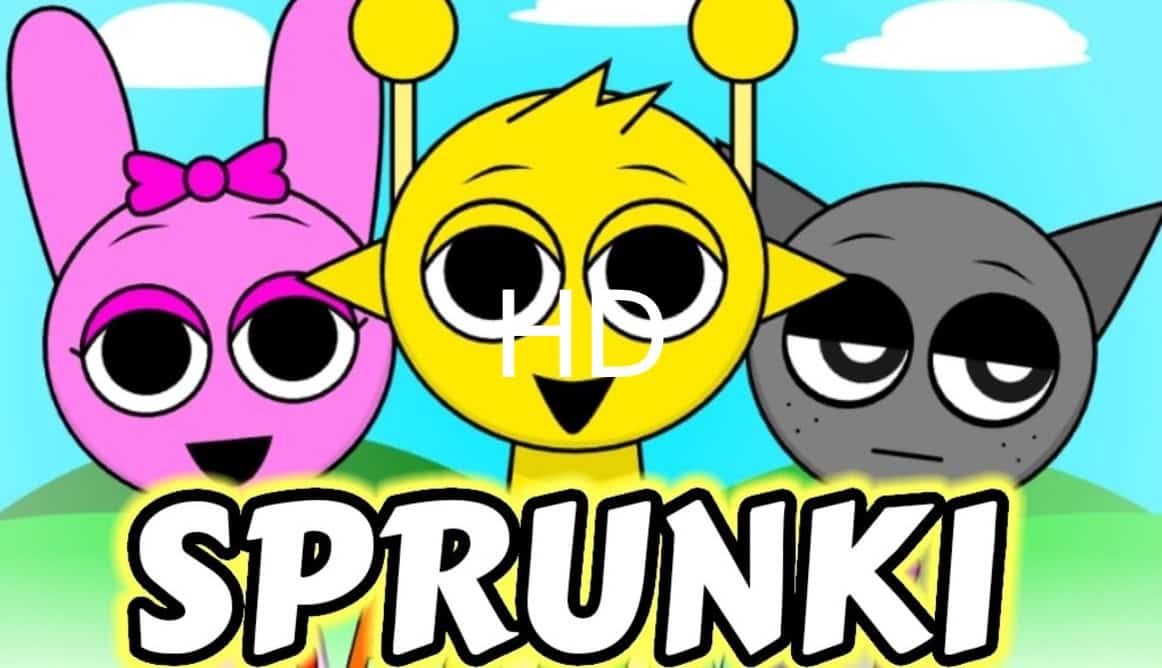
Sprunki Rainbow Friends is an exciting music-mixing game where you use character avatars to craft unique sounds, rhythms, and melodies. By dragging and dropping characters into the mixing lineup, you create a captivating and evolving music track. The Rainbow Friends theme brings vibrant and imaginative visuals inspired by gaming culture, enhancing the fun and creativity. This mod is also known as Sprunki but adds the Rainbow Friends twist.
How to Play Sprunki Rainbow Friends Mod
- Start the Game: Open the game and get familiar with the characters displayed at the bottom of the screen.
- Drag and Drop Characters: Choose characters and place them in the lineup to trigger their unique sounds. Each character offers a different sound type, including beats, melodies, effects, and vocals.
- Create Your Mix: Experiment with different characters, arranging and layering them to craft unique and complex musical tracks.
- Unlock Bonuses: Discover special sound combinations to unlock bonus animations and extra content, enriching your experience.
- Save and Share: Once your mix is complete, save and share it with friends for added enjoyment.
Gameplay:
The core gameplay involves strategically placing characters on a sound lineup to compose your own music. Each character generates a distinct sound, allowing you to create evolving and dynamic tracks through various combinations. Immediate visual and audio feedback ensures an engaging experience, with characters animating in time with the sounds they produce.
Mouse and Keyboard Guide:
Mouse Controls:
- Click and Drag: Use the left mouse button to drag characters from the bottom to the lineup.
- Right-Click: In specific games, right-clicking may provide more options, such as removing characters or adjusting settings.
Keyboard Controls:
- Spacebar: Start or stop the music.
- Arrow Keys: Navigate between characters (if supported).
- Escape: Access the pause menu or game settings.